

Quick answer: My Figma to Framer workflow has these stages: an intro call and a discovery call, research, a sitemap, user flows and wireframes, a mood board for the design direction, a style guide and high-fidelity design in Figma, the build and motion in Framer, testing on every breakpoint, and launch with 60 days of support. I track every stage with the client on a shared Notion board.
What happens in the intro call and the discovery call?
The first thing that happens is the intro call. After it, I prepare for the discovery call. I gather the budget, the timeline, which features the client needs and which they do not, and the technical details. Once those are discussed, I set up the discovery call, where I learn more about the business.
How do I research before I design?
After the discovery call I do the market research, the competitor analysis and the user research myself. My research is a mix: I use AI for part of it and I also do part of it manually.
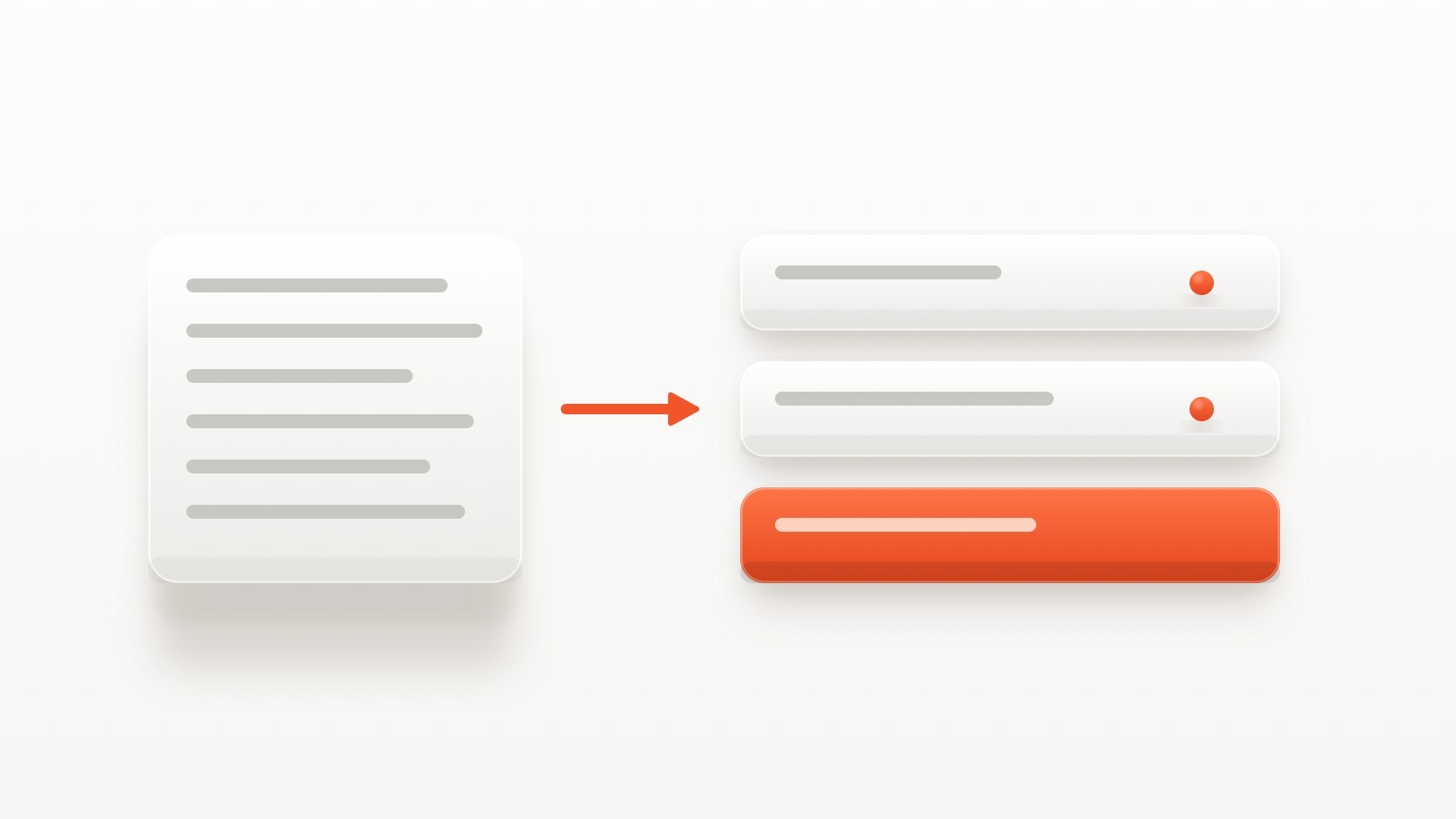
Once I have the basic research, I condense it into a sitemap. After the sitemap come the user flows, and after the user flows come the wireframes.
How do I choose the design direction?
After the wireframes I gather inspiration, based on the market and user research, to see which kind of design will help this brand most. When the inspiration phase is done, I create a mood board and present it to the client. I show them the direction we are heading in, why I chose it, and why I think that design makes the most sense for their project. After this explanation I start the mid-fidelity and high-fidelity designs.
What do I design in Figma?
I start with the style guide. If the client does not have brand guidelines, I offer basic ones, and advanced brand guidelines are available as part of my services. Once the style guide is set, I design the high-fidelity screens in Figma. I only add a mid-fidelity stage when a project needs it, and most projects do not.
The research and all the documents live in Figma too. I can share the same file with the client, and the client can share it with other designers or with a developer. That keeps the project easy for both of us to manage.
How do I keep the client updated?
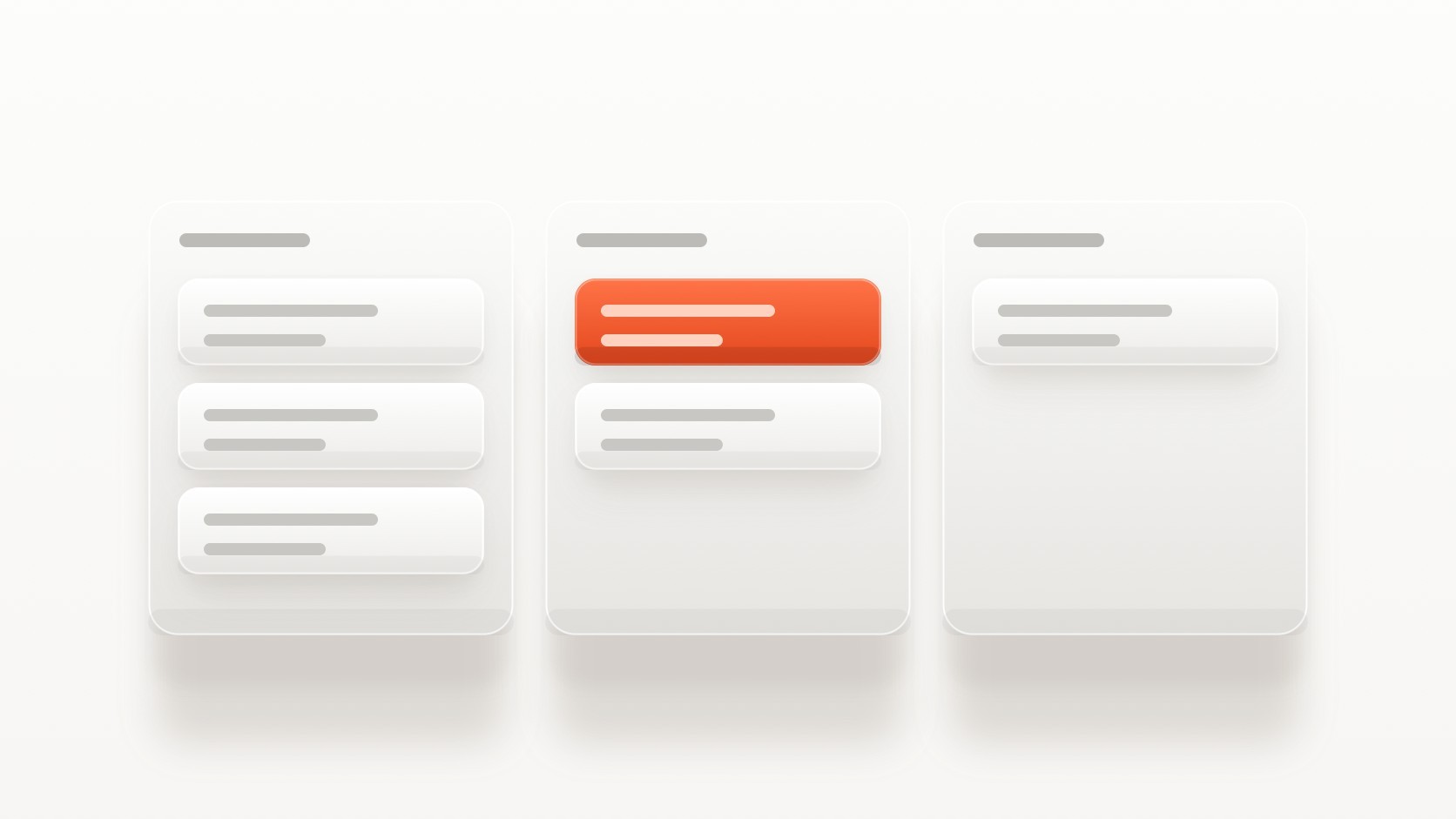
I manage the timeline and the rest of the project in Notion, and I share the Notion link with the client so we are always on the same page. The kanban view shows which stage I am in, what the next stage is, where I still need feedback, and when the feedback windows are.
How does the Framer build start?
When the high-fidelity designs are approved, the Framer build starts. The kind of animation is sometimes decided earlier, during the mid or high-fidelity stage, using references from the client. If the client has no references, I use what I know about physics-based and emotional motion design and apply the motion that suits the project best.
Once the build is going, I refine the animations and design the interactions. I use an AI agent to build the structure and keep the build consistent. I explain that setup in How to Prompt AI to Build a Consistent Framer Site.
Why do I design breakpoints in Framer and not in Figma?
I design the breakpoints directly in Framer, because not a lot changes between them. I have worked as a UI/UX designer for a long time, so I know what the Material and Apple Human Interface guidelines say and the standard for a good mobile experience. Designing and building at the same time in Framer also moves the project faster.
How do testing and launch work?
I test every breakpoint first. Then I run the same test with the client, and they decide which changes they want and which they do not.
After that I give launch support: connecting the domain, connecting the tools and the project handoff. For the handoff, I transfer the Framer project to the client’s account using their email. I explain it step by step in What a Good Framer Website Handoff Includes.
Then comes 60 days of post-launch support. It covers small changes such as text edits and small overlay edits. If a client needs bigger changes, those are charged separately.
Where do I use AI, and what do I do by hand?
AI helps in two places: part of the research, and the Framer build, where an agent creates the structure. I still do part of the research manually, and I do the smaller details and the final visual balancing by hand at the end. I wrote about the standard I hold AI-built work to in What Is the Quality Standard for AI-Built Websites?.
If you would like to work this way on your own project, you can book a free intro call, or see how long and how much a project like this usually takes in How Much Does a Framer Website Cost?.
Frequently asked questions
What is your website design process?
Intro call, discovery call, research, sitemap, user flows, wireframes, mood board, style guide, high-fidelity design in Figma, the Framer build, testing, launch and 60 days of support.
Do you design the mobile version in Figma?
No. I design the breakpoints directly in Framer, because not a lot changes between them and designing and building together is faster.
How can a client follow the progress of the project?
I share a Notion board with the client. Its kanban view shows the current stage, the next stage, where feedback is needed and the feedback windows.
Who owns the Framer project after launch?
The client. I transfer the Framer project to their account using their email.
What does the 60 days of post-launch support cover?
Small changes such as text edits and small overlay edits. Bigger changes are charged separately.
How long does a website project take?
Most website projects take around 4 to 6 weeks from kickoff to launch.

